Published
9 min read
Your business runs on spreadsheets and SaaS subscriptions. When is one application worth it?
One order typed into four places and a weekly report that takes a whole morning mean your setup no longer keeps up. How to spot the signs and your options.
Short answer
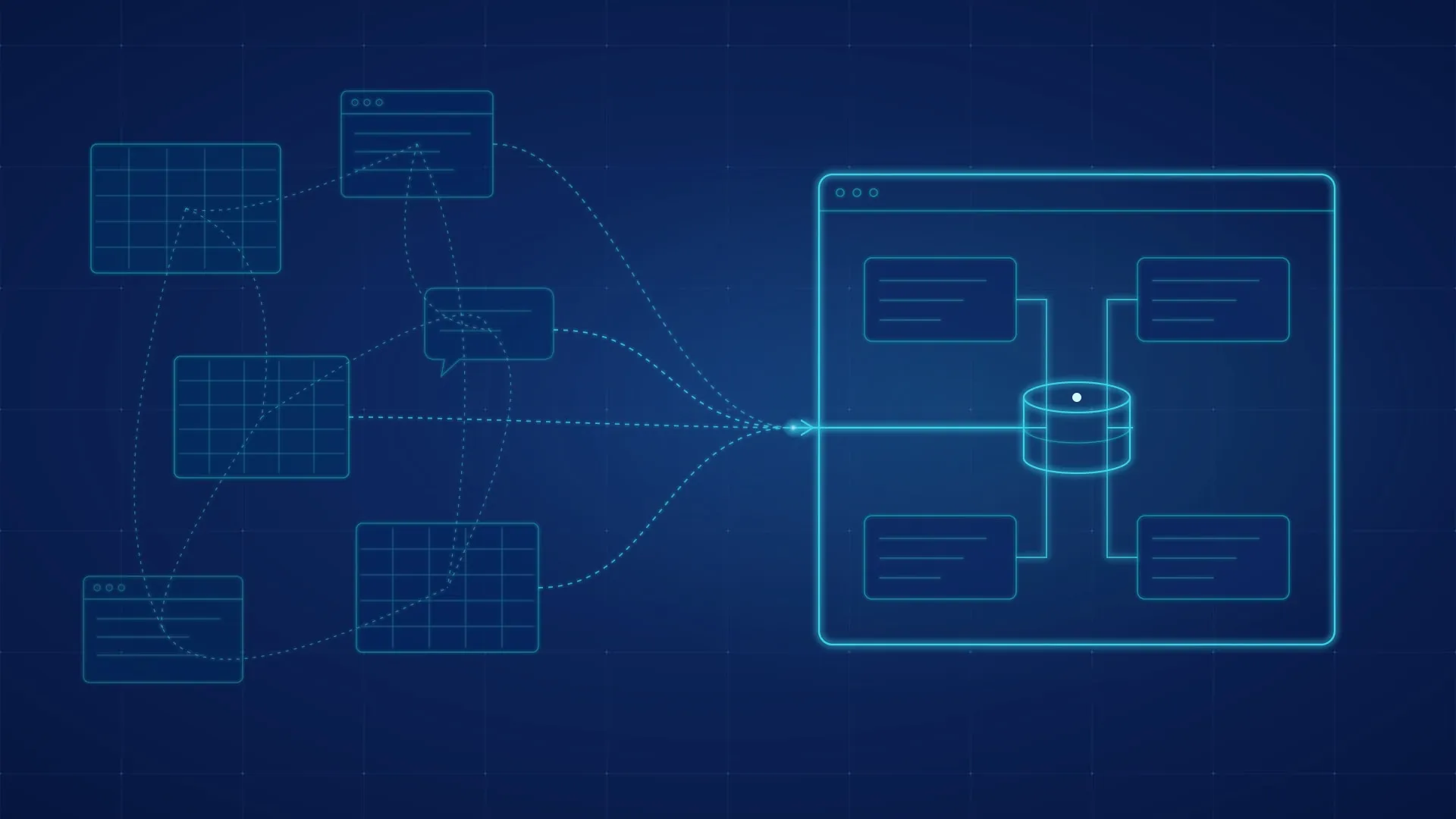
When a core process runs through spreadsheets, manually copied data and several SaaS subscriptions, those tools are in effect standing in for a business system that nobody designed. Check where the same data is entered more than once, who keeps the files working and how long reports take. Sometimes tidying the files is enough; when the process sets you apart from competitors, one application is worth building.
An order arrives by email. Someone types it into a shared spreadsheet, copies the customer details into the invoicing tool, posts the status in the team’s WhatsApp group and updates another file, the one for the warehouse. On Monday, someone else compiles the weekly report by hand, pulling data from all of these places.
Every one of those tools was a sensible choice at the time. Excel was already installed and flexible, a SaaS subscription solved one problem well, and the WhatsApp group was at hand. Together, they now run a core process of the company, although nobody ever designed them as a whole.
This guide is for founders, general managers and operations leads whose company works this way. It covers the signs that the business is running on workarounds, what that setup costs, when a smaller change is enough, what one application changes, and how to make the move without stopping the business.
Signs your business is running on workarounds
Taken together, the signs below show where the process really lives and how much it depends on people moving data from one place to another.
| What you notice | What it costs | What to check |
|---|---|---|
| The same order, client or job is typed into two or more places | Time on every record, and figures that disagree from one tool to the next | Follow one order from first contact to invoice and count how many times it was entered |
| One person knows how the master file works | The process slows or stops when that person is away | Ask what would happen if they were out for two weeks |
| The weekly report is compiled by hand | A morning of work every week, and a report that is out of date by the time it reaches the right person | Time the next report from start to finish |
| Finding out where an order stands means asking someone | Interruptions for the team, and customers waiting for an answer | List the questions asked most often and where each answer can be found |
| Rules are hidden in formulas, macros or people’s heads | Any change to a price or an approval step becomes risky and slow | Find the rules that change most often and who is allowed to change them |
| Access is granted by sending the file or a link | Anyone with the link sees everything, and nobody knows who changed what | Check who can open the master files today |
| A client or partner asks for a portal or a direct integration | The request stays open, or is handled with even more manual work | Review the requests from the last year and how each was handled |
What the current setup really costs
The subscriptions show up on the invoice every month. The larger costs are the ones nobody sees: the hours spent copying data from one tool to another, the time spent working out which figure is right, and the decisions made on a report that was correct last Monday.
The simplest way to see them is to measure them for one week. Each person involved in the process notes every time they move data from one place to another, rebuild a report or answer a question about where an order stands. A week of notes usually says more than any estimate, and it shows clearly where to start.
There are two further costs that the notes do not capture. The first is growth: each new client, location or product line adds more manual work, so the effort grows with the business. The second is AI: an assistant or an automation needs one reliable source of data, and files copied from one tool to another give it several versions of the same data that do not match.
When a smaller change is enough
The right solution depends on what causes the problem, and a simpler option is often enough.
| Option | Fits when | What it takes | Main risk |
|---|---|---|---|
| Tidy the spreadsheet | The process relies on a single file, and the problems are errors and access | A clear structure, validation, one owner, version history | The file still depends on the person who maintains it |
| Connect the tools you have | Each tool does its job well, and most of the effort goes into moving data between them | Integrations or automations between the existing tools | Each connection needs maintenance and can stop working when one of the tools is updated |
| Adopt a standard product | The process is a common one: accounting, payroll or a typical CRM | Choosing the product, migrating the data, training the team | Workarounds return wherever the product does not cover the company’s needs |
| Build one application | The process is what sets you apart, spans several tools and needs its own rules, roles and history | Discovery, a first version for one area of the process, staged migration | Building more than the business needs |
The decision often comes down to one question: does this process look the same in every company in your industry, or is it how your company wins and delivers work? A standard process suits a standard product. A process that sets you apart deserves an application built specifically for it.
What one application changes
- Data is entered once. An order, a client or a job lives in one place, and every screen and report reads from it.
- Rules become visible and easy to change. Prices, thresholds and approval steps are set in the settings by the right people, and every change is recorded.
- Each person sees only what they need. Access is set by role, not by links passed from one colleague to another.
- Reports are always current. The Monday report becomes a live page you can open at any time.
- History is kept. You can always see who changed a record and when, which matters for client relationships, audits and disputes.
- Clients and partners can connect directly. A portal or an interface (API) lets them see the status of their orders or send data without email and without manual copying.
- AI assistants and automations work from reliable data. They can work from one set of data and the rules that go with it.
Excel keeps its place. Analysis, planning and one-off calculations still work very well in a spreadsheet, and the application exports the data whenever it is needed.
How to make the move without stopping the business
- Map the process as it runs today. Note every file, every tool and every data transfer, along with the person responsible for each. The existing spreadsheets are the most accurate picture of how the company works, including the unwritten rules.
- Start with the part of the process where the same data is entered most often. The first version covers one part of the process well, such as order intake, scheduling or invoicing, rather than the whole process at once.
- Bring the existing data across. The files are imported and checked, so the team works with real data from day one.
- Run old and new side by side for a short period. For the agreed period, the team compares results. Then the old file for that area is retired.
- Extend the application one step at a time. Each new area follows the same steps, and the business keeps running normally throughout.
AI tools speed up many of these steps. They help engineers work through formulas and macros built up over the years and extract the rules inside them, write tests from real examples and build well-defined components faster. The application’s architecture and the review of the result remain the engineers’ responsibility. Discovery usually takes 1-2 weeks, and a first working version typically follows in 6-10 weeks.
If someone in the company has already built a tool with an AI assistant to take over part of the process, our guides on AI-built internal tools and on what a vibecoded prototype still needs show how to decide whether to keep it, harden it or replace it.
Three checks you can run this week
- Count how many times the same data is entered. Take one recent order, client or job and list every place it was typed or copied, from first contact to invoice.
- Time the report. Next time the weekly report is prepared, note how long it takes and how many files it draws from.
- Think about the person who maintains the file. What would happen to the process if the person who looks after the master file were away for two weeks, and who could take over?
How we work
We start from the process, not from a particular technology. During discovery we map the files, tools and people involved, measure where time is lost and compare the four options above. When a better-organized file, a connection between tools or an existing product is enough, we say so openly. When one application is the right answer, we build it in stages, starting with the part of the process where the same data is entered most often, and your company owns the code, the data and the accounts.
This is the core of our custom software development service. If the decision is part of next year’s plans, our guide to the 2027 technology budget covers the questions worth answering before the budget is approved.
Frequently asked questions
Will our team have to stop using Excel?
No. Excel stays useful for analysis and planning. The application takes over only the part of the process where data is entered, used by several colleagues and tracked, and it can export to Excel whenever needed.
Aren’t a few SaaS subscriptions cheaper than one application?
For standard processes, often yes, and then an existing product is the right choice. A fair comparison, however, also includes the hours spent copying data from one tool to another, the errors that creep in along the way and the requests the current setup cannot handle. The week of notes described above gives you that figure for your own process.
Can we start with one part of the process?
Yes, and that is what we recommend. A first version that covers one area well, such as order intake or scheduling, delivers results within weeks and shows both of us what the next stage should include.
What happens to the data in our existing files?
We import it into the application and compare it with the original files before you retire them. We analyze the formulas and macros, extract the rules they contain and carry those rules into the application.
Could we build it ourselves with AI tools?
For a small internal tool, sometimes. For a process the company depends on, the application also needs access control, backups, tests and someone to look after it over the long term. Our guide on AI-built internal tools shows what all of this involves.
If your process runs on spreadsheets and manual copying
Use the contact form to tell us three things: which process it is, which files and tools it runs through today, and who looks after it. We will reply with what we would check first and whether the right answer is a better-organized file, a connection between tools, an existing product or one application.
Does one of these situations sound familiar?
Bring us the situation as it works today. We will help clarify the requirement and identify a practical next step.
Discuss the situation with usNo prepared specification required. We reply within one business day.